Find and work with a partner
Use public company records to identify potential teammates, then keep the relationship and shared work together. Adding a company to My partners does not itself give someone access to your bids.
Read the video transcript
Open Partners, then Find partners. Search the public company directory by company name, unique entity identifier or CAGE code. Suggested for your bids offers a bid-related starting point. Open a company to inspect its registration, work codes, certifications and available award history. These are research signals; confirm current capabilities and interest with the company. Add to my partners records your own teaming choice. It does not contact the company or grant access to your bid. An agreement and a decision to share work are separate steps. My partners brings your saved companies together. Open a partner and review the opportunities or work you intend to share. Check permissions deliberately before giving anyone access.
Before you start
Section titled “Before you start”Sign in to the right company. Know the work or bid gap you need help with. Owners, admins and bid managers can manage partners; other roles may have reading access only.
Step by step
Section titled “Step by step”-
Open Find partners
Open Partners → Find partners, or open the directory. Use Search the directory to research companies, or Suggested for your bids to look at potential help for an active bid.
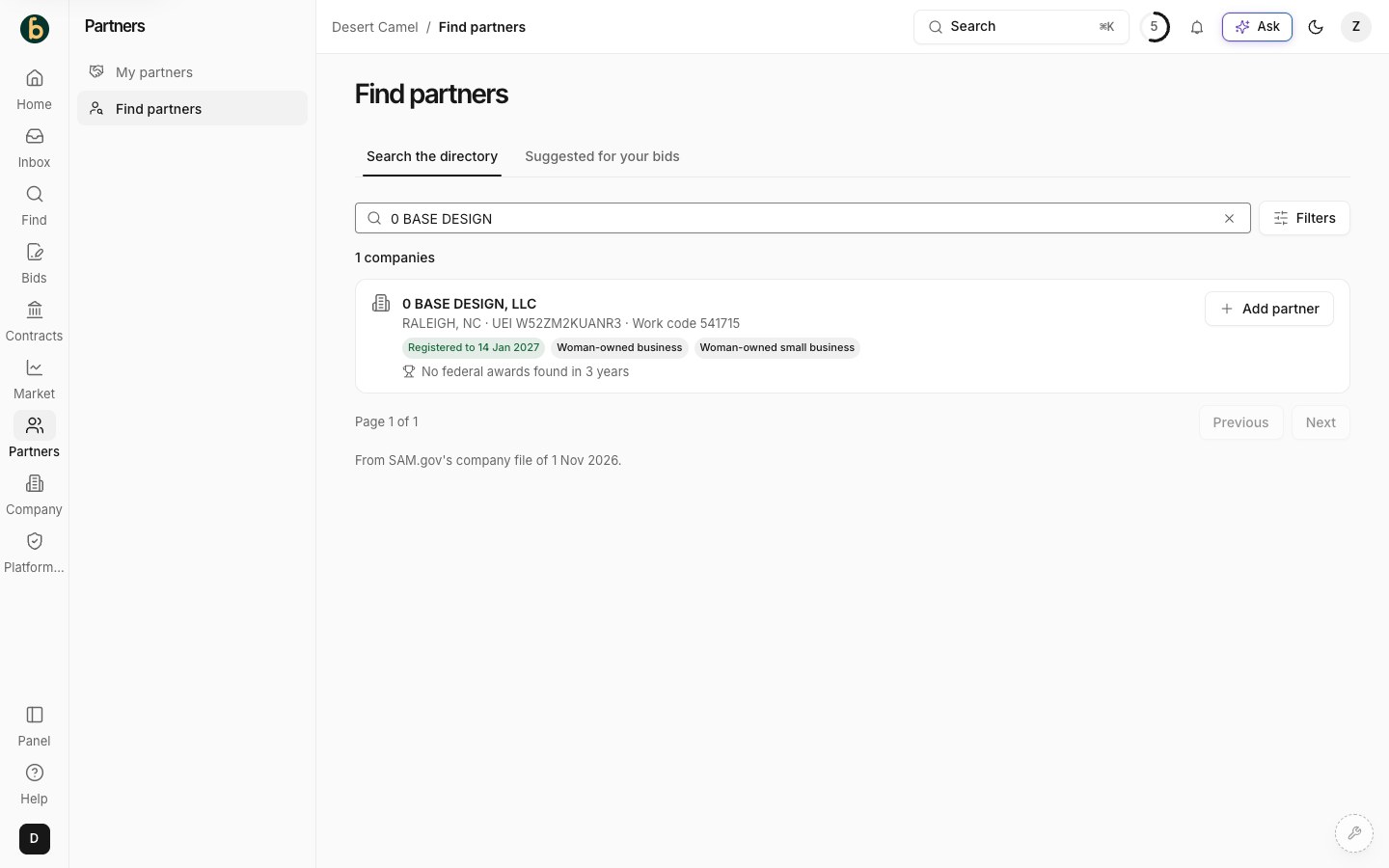
Find partners offers directory research and bid-related suggestions. -
Search and check the company
Search by company name or UEI and use relevant work-code, location or program filters. Open the company record and review the public registration, exclusions and work information shown. Check current evidence directly where needed. Public records are not a BidCamel endorsement, availability check or agreement to team.
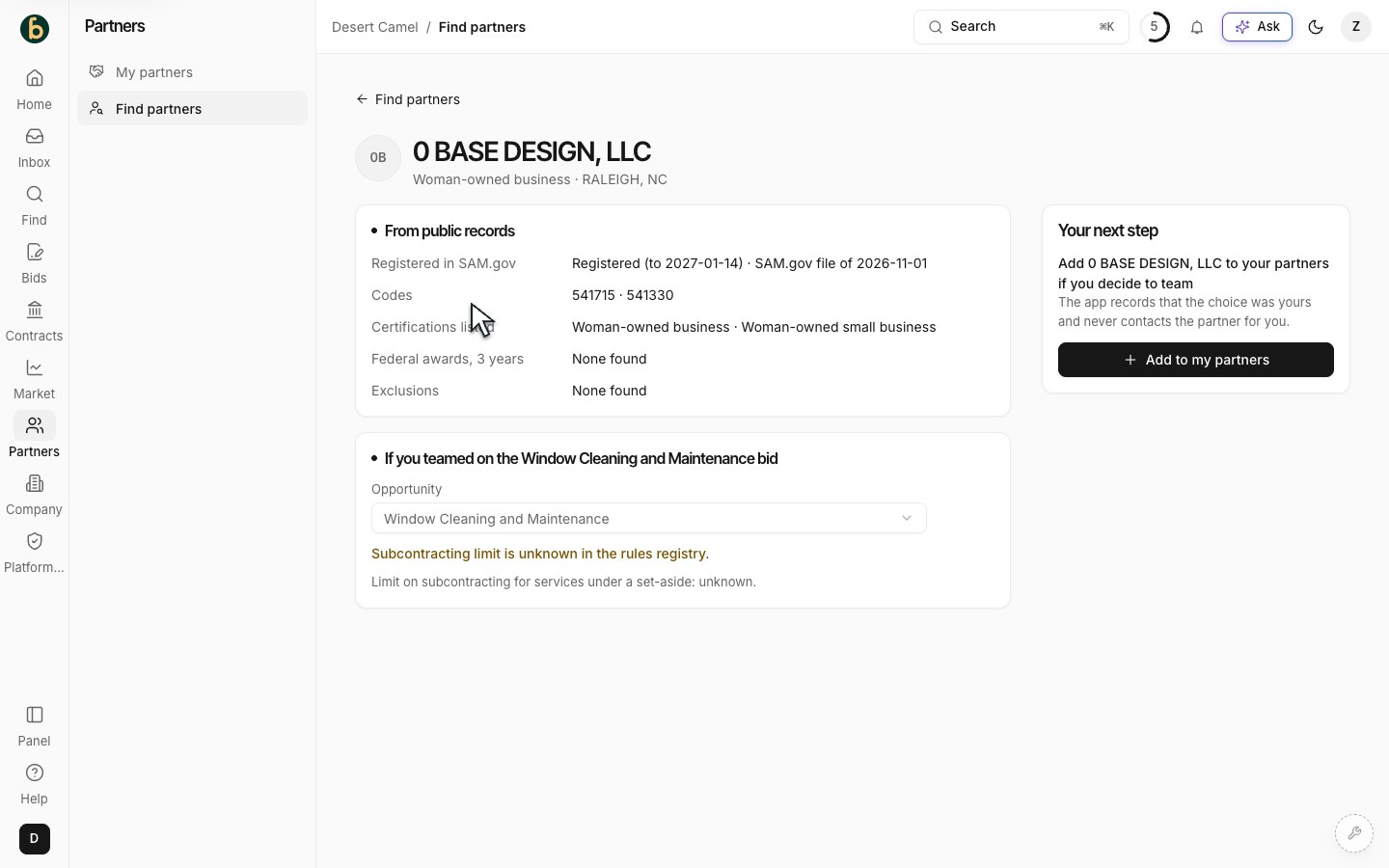
Review the company’s public record before choosing a partner. -
Keep the company in My partners
When you choose a company, select Add to my partners. Confirm that it appears in My partners after reloading. Review its work share or add it to the relevant bid where that option is available. Contact the company and agree responsibilities; adding a record does not mean the company has accepted work.
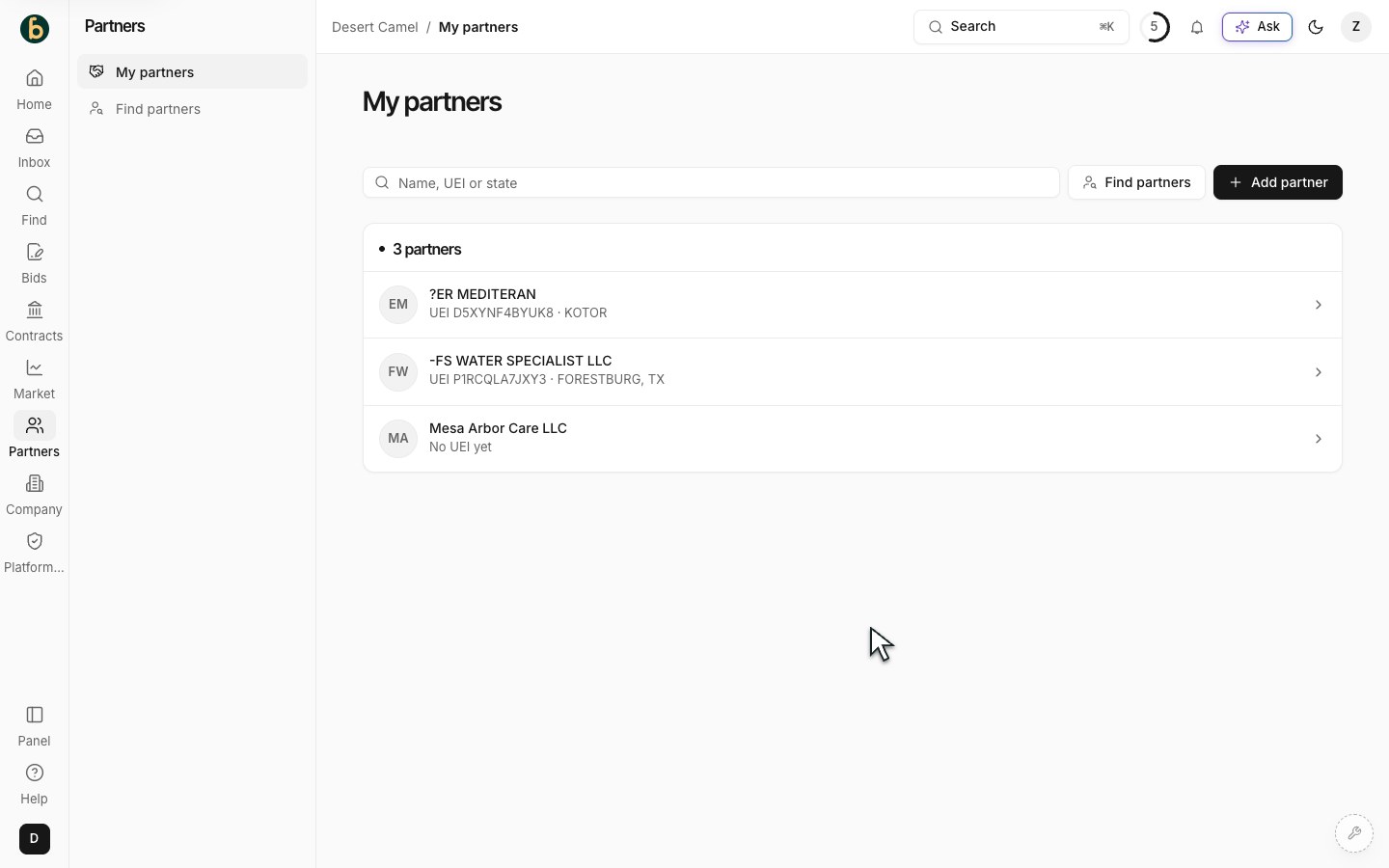
Companies you choose are kept in My partners. -
Choose what to share separately
To collaborate inside BidCamel, use the partner’s Opportunities view and Share opportunities and draft sections. If no outside-partner team member exists, an authorized administrator can invite one through Team. Select the correct person and only the bids and sections they need. Review the selection before saving.
-
Review the relationship and access
Return to the partner record to review relevant opportunities, agreements or messages available to your role. Check the saved sharing choices whenever responsibilities change. An outside partner sees shared work under Shared with you; keeping a company in your list and granting account access are different actions.
What should be ready
Section titled “What should be ready”The company is in My partners and any bid role is recorded. If collaboration is needed, a separate, reviewed sharing choice grants only the intended access.
If something does not work
Section titled “If something does not work”I cannot find a company
Section titled “I cannot find a company”Try its legal name or 12-character UEI and broaden the filters. The current directory may not contain every public record.
Add partner or sharing is disabled
Section titled “Add partner or sharing is disabled”Read the permission explanation. Ask your company’s Owner, Admin or Bid Manager to manage the relationship or access.
My partner sees no work
Section titled “My partner sees no work”Check that the outside-partner account is linked to the correct company record and that the intended opportunity and sections are selected. Do not broaden access simply to make the page look populated.
Next step
Section titled “Next step”Return to your active bid and confirm who owns each contribution. Prepare the bid package when your team is ready.